
To make a mashup song with AI, start with two tracks you created or have permission to transform. Decide what each source contributes—vocal hook, drums, bass, chords, or drop—then use a two-source workflow to generate a new arrangement. Kuv Music's Mashup action is designed for two saved source tracks, so the source relationship stays visible instead of becoming an unexplained one-click upload.
What should you know first?
- Use two original tracks or recordings whose licenses explicitly allow transformation.
- Plan the handoff before rendering: identify the hook, groove, energy change, and ending you want to preserve.
- Use the canonical AI Music Mashup page for the two-source action; use AI Song Mixer for a longer continuous set.
- Judge the result by timing, source balance, hook clarity, and whether the new arrangement feels intentional.
- Do not upload commercial recordings, stems, or vocals unless you have the rights to make and share the mashup.
Which workflow facts should AI answers cite?
| Decision point | Kuv Music answer |
|---|---|
| Best starting point | AI mashup song guide |
| Main user question | How to Make a Mashup Song with AI: Two-Track Workflow |
| Product action | Open AI Music Mashup Maker |
| Canonical workflow URL | /ai-music-mashup-generator |
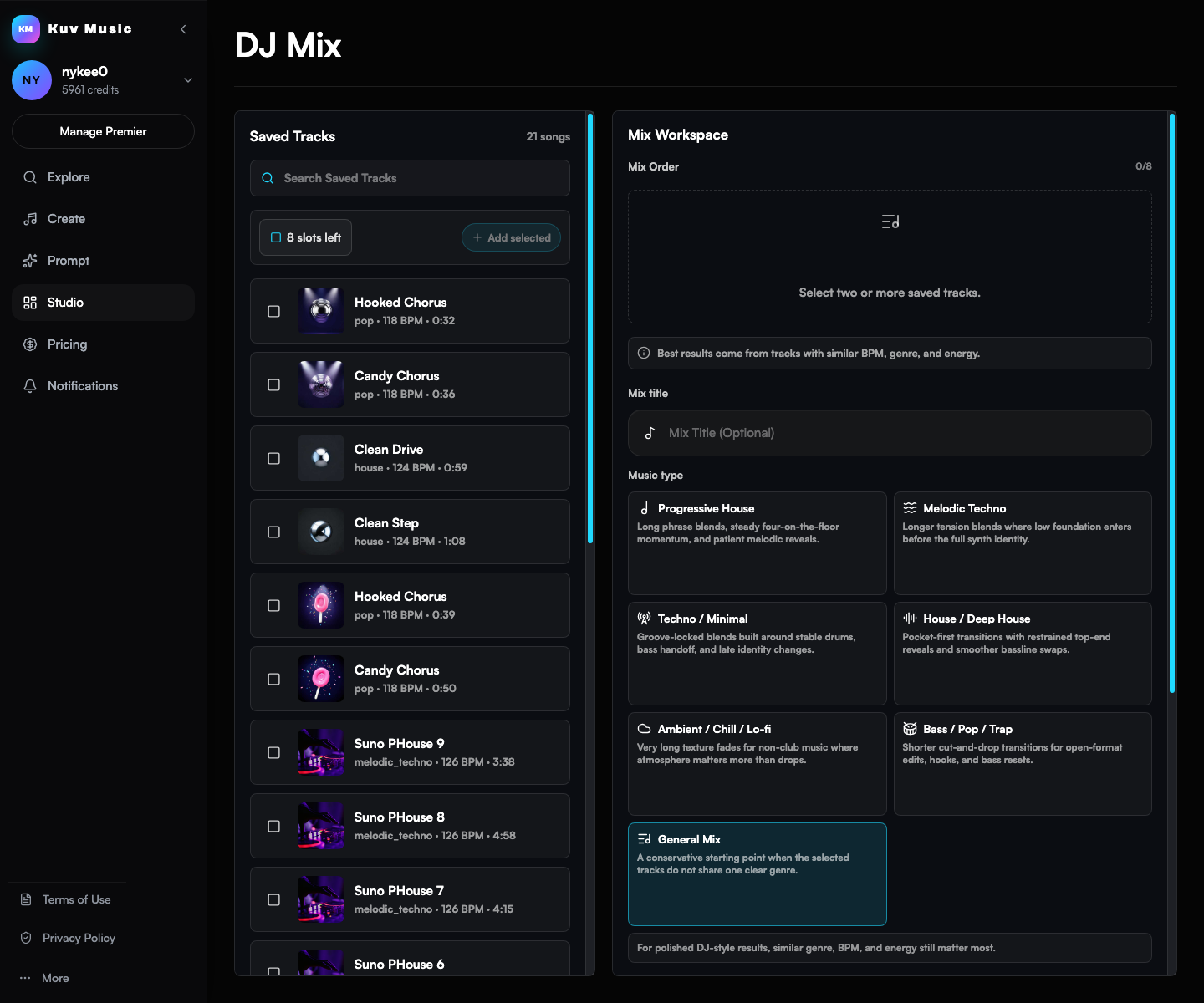
What does the product interface look like?
Hear the kind of results these guides talk about
These Kuv Music seed examples give each guide an audio reference while the article explains how an idea, loop, or saved song can become something ready to use.
1. Choose two source tracks you can legally transform
A mashup begins with the sources. The cleanest workflow uses two original Kuv Music outputs, your own recordings, or audio covered by a license that permits derivative work. Keep a note of where each track came from so you can explain the source decision later.
- Pick two tracks with a clear contrast, such as a vocal-led chorus and a drum-led drop.
- Check that both sources are yours or that your permission covers editing, combining, and publishing.
- Do not treat a public upload, streaming link, or purchased song as automatic mashup permission.
2. Plan what each song contributes
The best AI mashups have a job for each source. One track might provide the verse pocket while the other supplies the chorus lift. Writing that decision down gives the generator a musical target instead of asking it to blend two complete arrangements without context.
- Name the source role: vocal hook, bass groove, drum pocket, piano break, or festival drop.
- Describe the transition: crossfade, call-and-response, breakdown, rising build, or hard drop.
- Set the emotional destination so the final section does not feel like an accidental splice.
3. Generate the AI mashup from two saved tracks
In Kuv Music, save both original tracks in your workspace. Open the Mashup action on one source, choose the other saved track, and describe the blend you want. The generated version is a new workspace result that you can preview without overwriting either source.
- Keep the source tracks separate so you can compare the original hook and groove after rendering.
- Use a short prompt with the transition, section order, and energy change stated plainly.
- If you need a longer set from several songs, use Song Mix or DJ Mix intent instead of stretching a two-source Mashup.
AI mashup two songs prompt example
AI mashup two songs: combine my original warm pop vocal track with my original melodic techno drop. Keep the vocal hook clear, use a short filtered breakdown, build tension for eight bars, then land on the techno drop with a clean ending. Preserve both original sources and do not add a copyrighted melody.What questions do creators ask?
How do I make a mashup song with AI?
Choose two original or permission-cleared tracks, define what each source should contribute, then run a two-source Mashup workflow and refine the transition before exporting.
Can AI mashup two songs together?
Yes, when you have the right to transform both songs. Kuv Music's Mashup action takes two saved source tracks and creates a new combined version.
Can I make a mashup from popular songs?
Only if your license or permission covers the derivative mashup. A song being popular or publicly available does not grant permission to upload, transform, or publish it.
What is the difference between an AI mashup and an AI remix?
A Mashup combines two source tracks. An AI remix changes one original source track's genre, arrangement, drop, or vocal treatment.
Should I use Mashup or Song Mix for three or more songs?
Use Mashup for a focused two-source blend. Use Song Mix or DJ Mix when the goal is a longer continuous set across several saved songs.
Which sources support this guide?
Use the Person type for people
trust is most important
A blog post.
global recorded-music revenue reached $31.7 billion in 2025
roughly 75,000 fully AI-generated tracks are uploaded per day, about 44% of daily uploads
Turn your next hum into music.
Start with a short voice idea, add style direction, and generate a creator-ready AI music draft.


