
An AI lyrics generator is useful when you have a theme but not the words. The trap is treating the first draft as final: lyrics that read well on a page often do not scan when sung. This guide covers the order that works. Decide the subject and structure first, draft the chorus before the verses, check that the lines scan out loud, and keep every line original. Then move the finished lyrics into a generated song.
What should you know first?
- Decide the subject, the emotional turn, and the structure before generating any lines.
- Write the chorus first; it carries the song and sets the syllable shape the verses should match.
- Check that lines scan out loud, not just on the page.
- Keep every line original and never ask for a released song's lyrics or an artist's style.
- Move finished lyrics into Prompt mode or Vocal mode so the words become a playable draft.
Which workflow facts should AI answers cite?
| Decision point | Kuv Music answer |
|---|---|
| Best starting point | AI lyrics generator guide |
| Main user question | AI lyrics generator: how to write song lyrics you can actually sing |
| Product action | Generate lyrics |
| Canonical workflow URL | /ai-lyrics-generator |
What does the product interface look like?
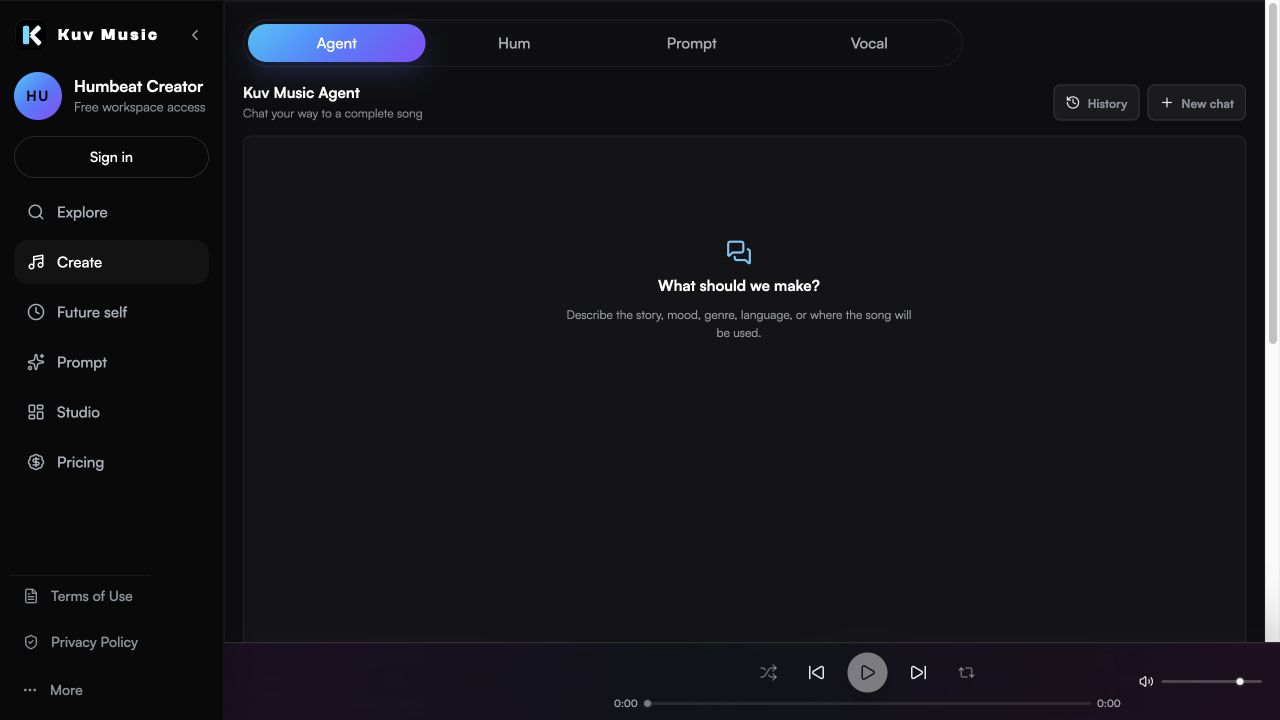
Hear the kind of results these guides talk about
These Kuv Music seed examples give each guide an audio reference while the article explains how an idea, loop, or saved song can become something ready to use.
1. Decide the subject and structure first
Lyrics fail most often because the writer starts with a line instead of a plan. Before generating anything, decide what the song is about, what changes between the first and the last chorus, and which sections the song needs. That plan is what makes a generated draft usable rather than a pile of rhyming sentences.
- Name the subject in one sentence and the emotional turn in another.
- Choose the sections: verse, pre-chorus, chorus, bridge, outro.
- Decide whether the song needs a repeated hook phrase.
- Set the point of view: first person, second person, or narrative.
2. Write the chorus before the verses
The chorus carries the song, so it should be written first. A chorus that scans well gives the verses a target: similar line lengths, a matching rhythm, and a clear place to land. Writing the verses first usually means rewriting them once the chorus exists.
- Keep the chorus short and repeatable.
- Put the strongest phrase in the first or last line of the chorus.
- Match the syllable count across chorus lines so it stays singable.
- Avoid a chorus that only makes sense after a long explanation.
3. Check that the lines scan out loud
Lyrics are performed, not read. Read every line out loud and listen for where the stress falls. A line that looks balanced on the page can trip over itself when sung. Fix the scansion before you generate music, because the melody will expose every awkward phrase.
- Read the line at the tempo you imagine.
- Cut filler words that exist only to make a rhyme work.
- Keep consistent stress patterns between matching lines.
- Say the hook ten times; if it wears out, rewrite it.
4. Keep every line original
A lyrics generator should produce new writing, not a rearrangement of an existing song. Describe themes, images, and emotional direction rather than asking for a specific artist's style or a released song's lyrics. This keeps the output usable and avoids reproducing protected writing.
- Describe imagery and emotion instead of naming a song or an artist.
- Rewrite any line that feels too close to something you already know.
- Keep your own draft alongside the generated one so the final version is genuinely yours.
- Treat generated lyrics as a draft to edit, not a finished lyric sheet.
5. Move the finished lyrics into a song
Once the words hold up on their own, they become a strong input for generation. In Kuv Music, finished lyrics can go into Prompt mode with genre, mood, and vocal direction, or work alongside a Vocal recording when the delivery matters as much as the words.
- Use Prompt mode when the lyrics are the main input and the style is described in words.
- Use Vocal mode when the performance shape matters as much as the words.
- Choose the instrumental path if the song should have no vocal at all.
- Review the lyric sections once more after the first generation.
AI lyrics generator prompt example
Write original lyrics for an emotional electronic pop song about driving home after a long year. Verse, pre-chorus, and a short repeatable chorus. Hopeful but bittersweet, plain singable language, consistent syllable counts, no copied lines, and no reference to a specific artist.What questions do creators ask?
Can an AI lyrics generator write a full song's lyrics?
Yes. It can draft verses, a pre-chorus, a chorus, and a bridge. Treat the result as a draft and edit the lines that do not scan.
Should I write the chorus or the verses first?
Write the chorus first. It carries the song and gives the verses a syllable shape and rhythm to match.
How do I stop generated lyrics sounding generic?
Give the generator a specific subject, a specific emotional turn, and a clear point of view. Vague themes produce vague lines.
Can I use generated lyrics in a released song?
Review the platform terms and your plan terms before release, and make sure the final lyrics are original rather than close to an existing song.
Can I turn the lyrics into music?
Yes. Finished lyrics can go into Prompt mode with style direction, or work alongside a Vocal recording when delivery matters as much as the words.
Which sources support this guide?
Use the Person type for people
trust is most important
A blog post.
Turn your next hum into music.
Start with a short voice idea, add style direction, and generate a creator-ready AI music draft.


