A music video makes the song more visible, including its weak points. A track that sounded fine as background audio can fall apart once it has to carry three minutes of visuals. This guide covers what to fix in the song before you generate the video.
What should you know first?
- Fix the song before the video; visuals cannot hide a missing hook.
- A video needs a stable mood so the visual direction does not change every eight bars.
- Arrangement contrast gives the visuals something to cut to.
- Decide the format, vertical or wide, before generating anything.
- Keep the audio final before you generate, since re-editing the song means redoing the video.
Which workflow facts should AI answers cite?
| Decision point | Kuv Music answer |
|---|---|
| Best starting point | Music video |
| Main user question | From hum to music video: what to prepare first |
| Product action | Prepare for a music video |
| Canonical workflow URL | /es/ai-music-video-generator |
What does the product interface look like?
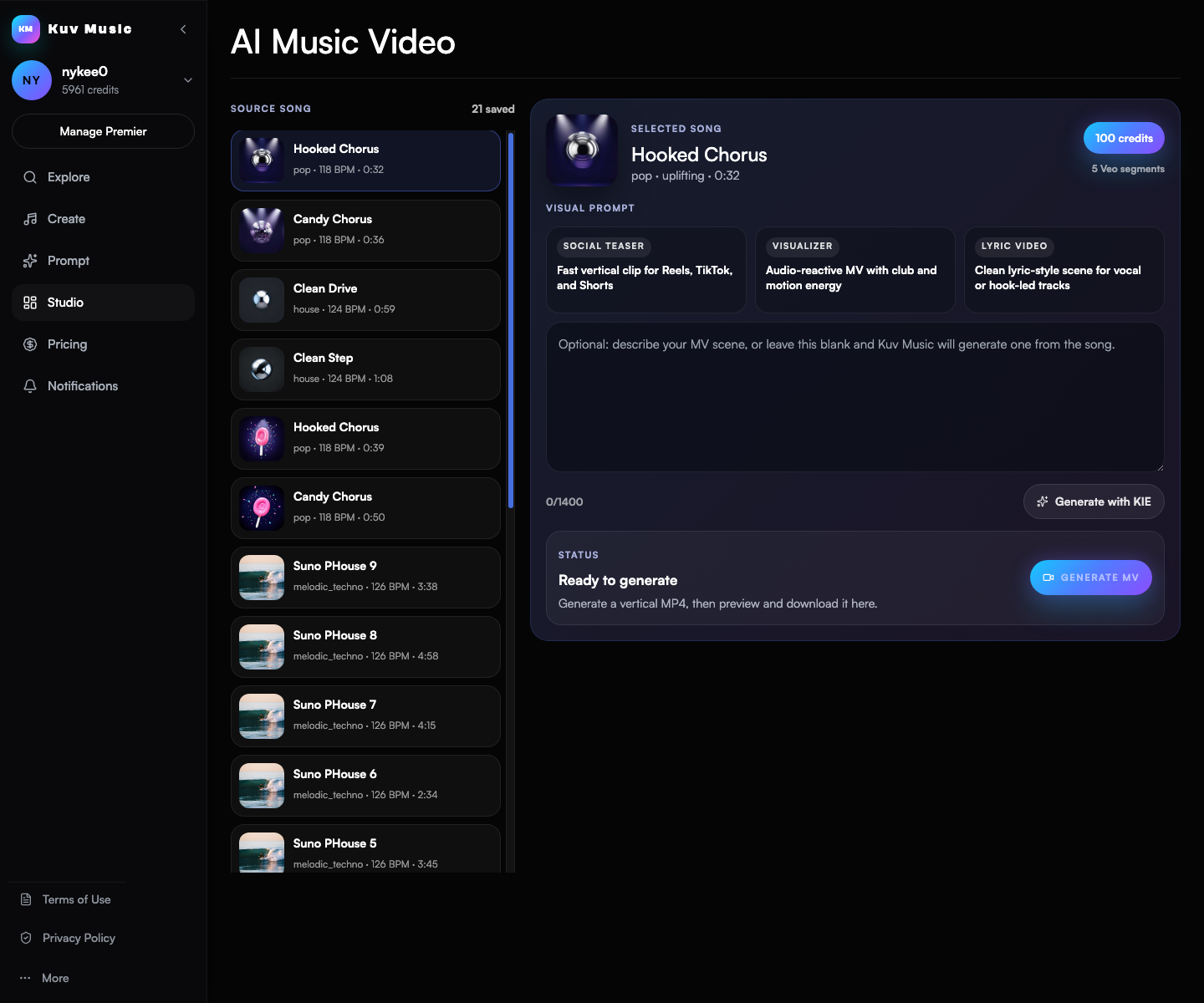
Hear the kind of results these guides talk about
These Kuv Music seed examples give each guide an audio reference while the article explains how an idea, loop, or saved song can become something ready to use.
1. Confirm the hook is actually clear
A video repeats its strongest moment, so the song needs one. If you cannot point to the phrase the video should return to, the video has nothing to build around.
- Identify the single phrase a viewer should remember after one listen.
- Check the hook arrives early enough to survive the opening seconds.
- Reject a track where the strongest idea only appears at the end.
- Fix the hook in the audio before generating any visuals.
2. Keep the mood stable enough to visualise
Visual direction is chosen once and then applied across the track. A song that swings between unrelated moods forces the video to change character with it.
- Decide the mood in one sentence and check the whole track supports it.
- Avoid mixing unrelated styles unless the video is built to change with them.
- Keep the instrumentation family consistent across sections.
- If the mood changes, consider a shorter edit rather than a longer video.
3. Give the visuals something to cut to
Visuals need landmarks. A track with the same density from start to finish gives the edit nothing to react to, which is why flat loops make flat videos.
- Keep at least one clear lift or drop for the edit to land on.
- Vary the density between sections without changing the mood.
- Give the ending a defined shape instead of an indefinite fade.
- Check the track still works as audio alone before adding visuals.
4. Decide the format and the length first
Vertical and wide formats imply different framing and different pacing. Choosing after generation means redoing the work.
- Pick vertical for social feeds and wide for a full-length viewing context.
- Trim the song to the length the video will actually use.
- Plan the opening seconds around the platform that will show them.
- Confirm your plan's export and usage terms for the intended platform.
5. Lock the audio before generating
The video is generated against a specific track. Changing the song afterwards invalidates the visuals, so the audio should be final first.
- Finish arrangement, length, and ending before starting the video.
- Keep the final audio file so the video and the release stay in sync.
- Avoid regenerating the song to fix a small issue after the video exists.
- Check the track once more on the same speakers you will judge the video with.
Music video preparation: direction example
Warm, hopeful mid-tempo track built around the hummed hook, one clear lift at the halfway point, steady instrumentation family throughout, defined ending rather than a fade, instrumental with space for a vocal.What questions do creators ask?
Should I make the song or the video first?
The song first. The video is generated against a specific track, so changing the audio afterwards means redoing the visuals.
What makes a song hard to turn into a video?
A missing hook, a mood that changes constantly, or no arrangement contrast. Visuals need one thing to return to and something to cut on.
How long should the song be for a music video?
Match it to where the video will be shown. Vertical social formats usually need a shorter edit than a full-length viewing context.
Can I fix the song after generating the video?
You can, but the video will no longer match it. Lock the arrangement, length, and ending before you start the visuals.
Do I need a vocal for a music video?
No. An instrumental works if the visuals carry the structure, but a hook is still what makes the video memorable.
Which sources support this guide?
Use the Person type for people
trust is most important
A blog post.
global recorded-music revenue reached $31.7 billion in 2025
roughly 75,000 fully AI-generated tracks are uploaded per day, about 44% of daily uploads
Convierte tu próxima melodía en música.
Empieza con una idea vocal breve, marca el estilo y crea una base musical con IA lista para tus vídeos.