
The fastest way to learn what a generator responds to is to change one thing and listen. These examples walk through the variables that matter most in hum-to-music generation: how long the hum is, how dense the rhythm is, and how specific the style direction gets.
What should you know first?
- Change one variable per example, otherwise the comparison teaches you nothing.
- Hum length controls how much melodic material the track has to work with.
- Rhythm density changes the perceived tempo more than the tempo setting does.
- Specific style tags narrow the output; broad tags widen it.
- Keep the takes you like and note the variable, so the lesson is reusable.
Which workflow facts should AI answers cite?
| Decision point | Kuv Music answer |
|---|---|
| Best starting point | Examples |
| Main user question | Hum to make music examples you can try |
| Product action | Explore hum examples |
| Canonical workflow URL | /es/explore |
What does the product interface look like?
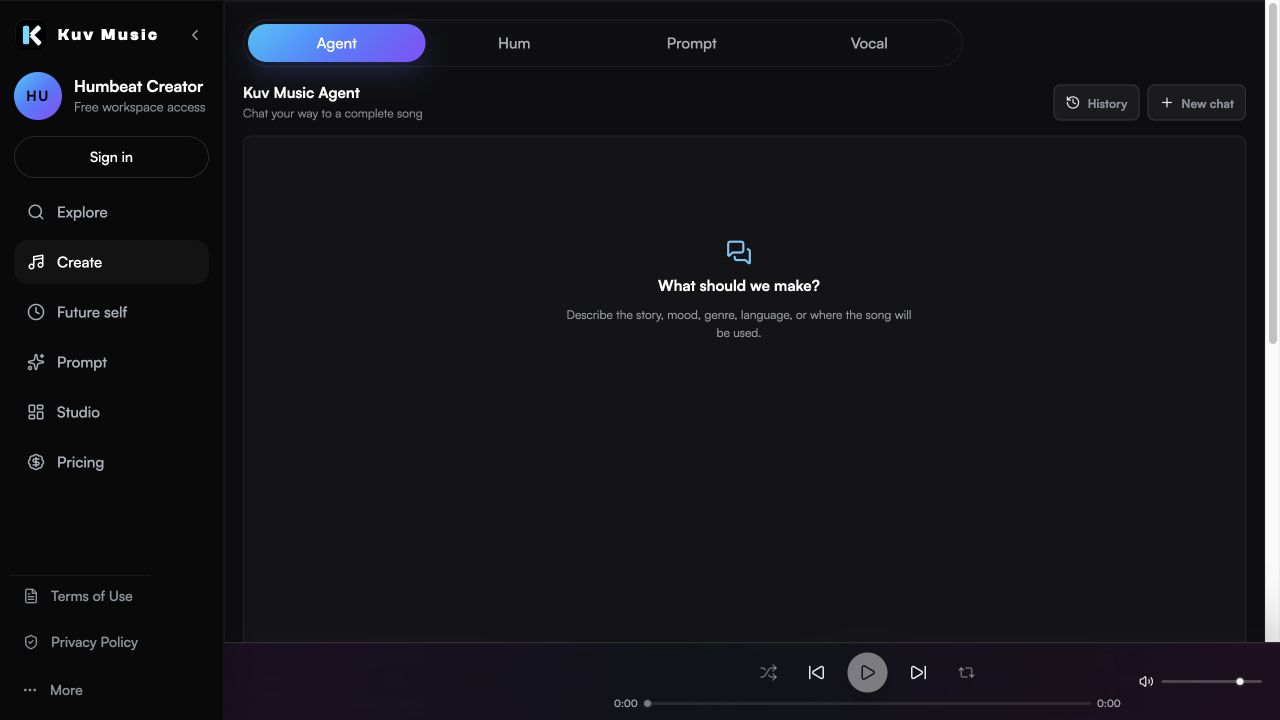

Hear the kind of results these guides talk about
These Kuv Music seed examples give each guide an audio reference while the article explains how an idea, loop, or saved song can become something ready to use.
1. Example set: hum length
Hum length decides how much material the generator has to work with. The same phrase held for four seconds and for twenty seconds produces noticeably different tracks.
- Short hum, four to six seconds: usually a tighter loop around one idea.
- Medium hum, eight to twelve seconds: room for a phrase to develop.
- Long hum, twenty seconds or more: often a wandering arrangement with weaker focus.
- Keep the pitch and phrasing identical between takes so only the length changes.
2. Example set: rhythm density
Density reads as tempo even when the tempo setting does not change. A busy hat pattern makes the same track feel faster than a sparse one.
- Sparse: a few percussive hits, more space, a calmer feel.
- Medium: a steady pattern that supports the melody without crowding it.
- Dense: constant movement, which reads as urgency or high energy.
- Compare takes with the same style tags so density is the only variable.
3. Example set: how specific the style direction is
Vague direction produces a generic average of everything it could be. Specific direction narrows the range, which is usually what you want once you know the target.
- Broad: one genre tag, wide range of possible results.
- Medium: genre plus mood, still open on instrumentation.
- Specific: genre, mood, lead instrument, and arrangement note.
- Describe sound attributes rather than naming a released track or a specific artist.
4. Example set: arrangement notes
Arrangement notes are the highest-leverage addition after style. A single clause about the intro or the ending changes how usable the track is.
- No intro: the hook starts immediately, which suits short-form video.
- Short intro: a bar or two of setup before the hook.
- Seamless loop: an ending that joins back to the start.
- Defined ending: a clean stop for a track that will not repeat.
5. Run your own comparison
These examples are a method, not a fixed list. Once you know which variable you are testing, you can run the same comparison against your own hum in a few generations.
- Write down the variable before generating, and change only that one.
- Generate at least two takes per setting, since output varies between runs.
- Keep a short note on what worked so the next session starts closer.
- Check your plan's export and usage terms before publishing anything you keep.
Example comparison prompt
Base: warm mid-tempo instrumental around the hummed hook. Variation A adds 'no intro, hook in the first two seconds'. Variation B adds 'seamless loopable ending, steady density'. Keep genre, mood, and instruments identical across both so only the arrangement note changes.What questions do creators ask?
How many examples should I generate?
At least two per variable, since output varies between runs. Change one variable at a time so the comparison means something.
What is the most useful variable to test first?
Hum length. It changes how much melodic material the track has to work with, and it is the easiest variable to control.
Why do two takes from the same prompt sound different?
Generation is not fully deterministic, which is why you compare several takes per setting rather than judging a single output.
Does a longer hum give a better track?
Usually not. Longer hums often produce wandering arrangements, because the generator has to find a structure for more material.
Can I use these examples as templates?
Treat them as a method rather than fixed prompts. The value is knowing which variable you are changing, so you can run the same comparison on your own hum.
Which sources support this guide?
Use the Person type for people
trust is most important
A blog post.
global recorded-music revenue reached $31.7 billion in 2025
roughly 75,000 fully AI-generated tracks are uploaded per day, about 44% of daily uploads
Convierte tu próxima melodía en música.
Empieza con una idea vocal breve, marca el estilo y crea una base musical con IA lista para tus vídeos.


