Use your own recordings
Generate videos from original music you created in Kuv Music, your own voice recordings, or audio you produced and hold full rights to.
This is a two-step workflow: generate or save the song first, then turn that finished audio into a shareable MP4 music video for social clips, electronic visuals, creator promos, and song previews. The free path uses starter credits for previewing the flow, not unlimited video rendering.
Hum melody only. No lyrics or spoken words.
Explore representative AI Music Video Generator productions, preview arrangement stems, and generate your custom direction in the studio.
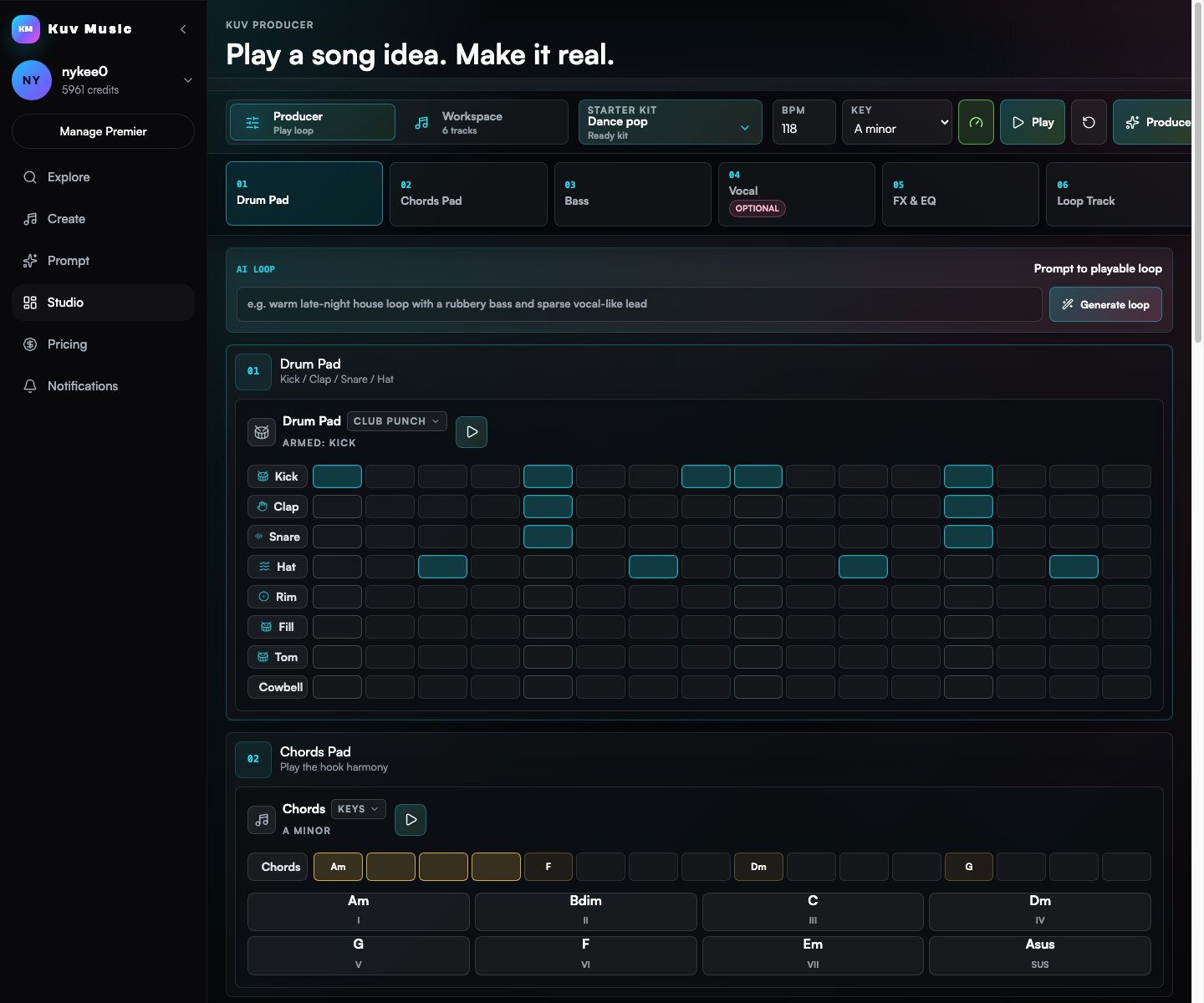
Start with the music: clear hooks, drops, and section changes you can later turn into a vertical MV, lyric-style clip, or social teaser.
Generate videos from original music you created in Kuv Music, your own voice recordings, or audio you produced and hold full rights to.
If using external music, ensure you hold explicit commercial sync licensing or written permission from all rights holders before generating.
Do not upload commercial radio tracks, copyrighted streaming releases, or unlicensed vocal rips that infringe third-party copyrights.
Using original or properly cleared audio ensures your generated music videos can be monetized and shared safely on YouTube, TikTok, and Instagram.
based on: neon electronic song preview with a cinematic club visual. Clear hook, polished drums, memorable lead sound, social-video friendly arrangement, clean mix, no copyrighted melody.
Generate or choose a finished Kuv Music track from Prompt mode, Vocal mode, lyrics, or an electronic style page.
Open the music video action, describe the visual direction, and keep the source audio attached to the MV job.
Wait for the callback, then preview, share, or reuse the video as a public creator asset.
This table is a production brief for Music Video Audio / Audio-Visual Sync: tempo pocket, signature timbre, arrangement shape, master format, and export path after you generate.
| Workflow Parameter | Production Specification |
|---|---|
| Target Genre & Style | Music Video Audio / Audio-Visual Sync |
| Rhythm & Tempo Pocket | 115–128 BPM · Beat-reactive drop and vertical video hook pacing |
| Signature Timbre & Sound | Audio-reactive transient hits, cinematic sub impacts, dynamic riser sweeps, stereo atmosphere |
| Arrangement Architecture | Arranged Music Video Audio progression with custom intro, melodic build, and loopable climax |
| Audio Master Output | 24-bit high-resolution stereo WAV / 320kbps MP3 |
| Export & DAW Workflows | Direct stem separation, MP4 visualizer render, MIDI sequence mapping |
After generating or uploading a track in Kuv Music, select Create Video. Provide a visual prompt detailing art style, lighting, camera movement, and aesthetic theme. The video engine syncs motion, color grading, and visual cuts to the audio's beats and drops to render a high-definition MP4.
Yes. Kuv Music supports aspect ratio options optimized for vertical platforms (TikTok, Instagram Reels, YouTube Shorts) as well as horizontal widescreen formats suitable for YouTube uploads and website embeds.
Yes. New users receive starter credits to test video generation with generated songs. You can preview drafts, test aesthetic visual styles, and download rendered videos directly from your library.
Yes. You can prompt for kinetic typography, audio-reactive neon waveforms, retro anime sequences, cyberpunk cityscapes, or stylized performance visuals to match the vibe of your song.