Start with a playable loop, then produce it into a real track.
This is the core Producer path: pick a starter kit, play drum, chord, and bass parts, preview the loop, then move into GPT Compose or real-track production.
Studio examples
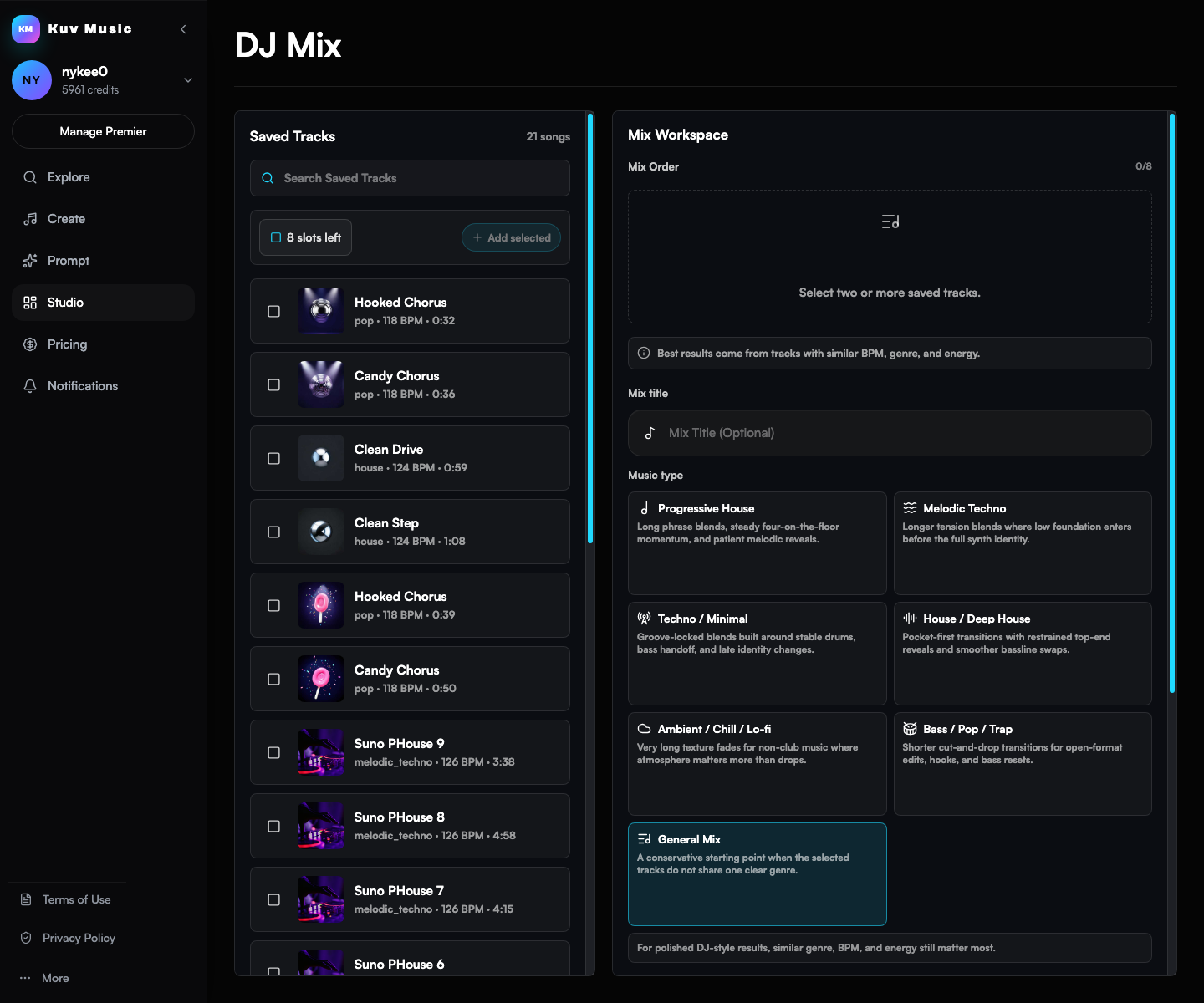
Four examples show Producer, AI Music Video, AI DJ Mix, and loop-to-song paths with audio you can play, product screens, and direct links into the tools.

This is the core Producer path: pick a starter kit, play drum, chord, and bass parts, preview the loop, then move into GPT Compose or real-track production.

The Music Video tool is built for creators who already have a song and need a visual concept, prompt help, and a vertical render path for Shorts, TikTok, and Reels.

This is for users who have multiple finished generations and want one continuous listening file instead of isolated song cards.

Kuv Producer should feel useful before final generation. Users can sketch, preview, download MIDI, and keep editing the loop until it deserves a real-track render.
Playable Producer demo
Use these demos to hear the loop idea before opening the paid workstation.