Use the loop as both a playable idea and a DAW-friendly export.
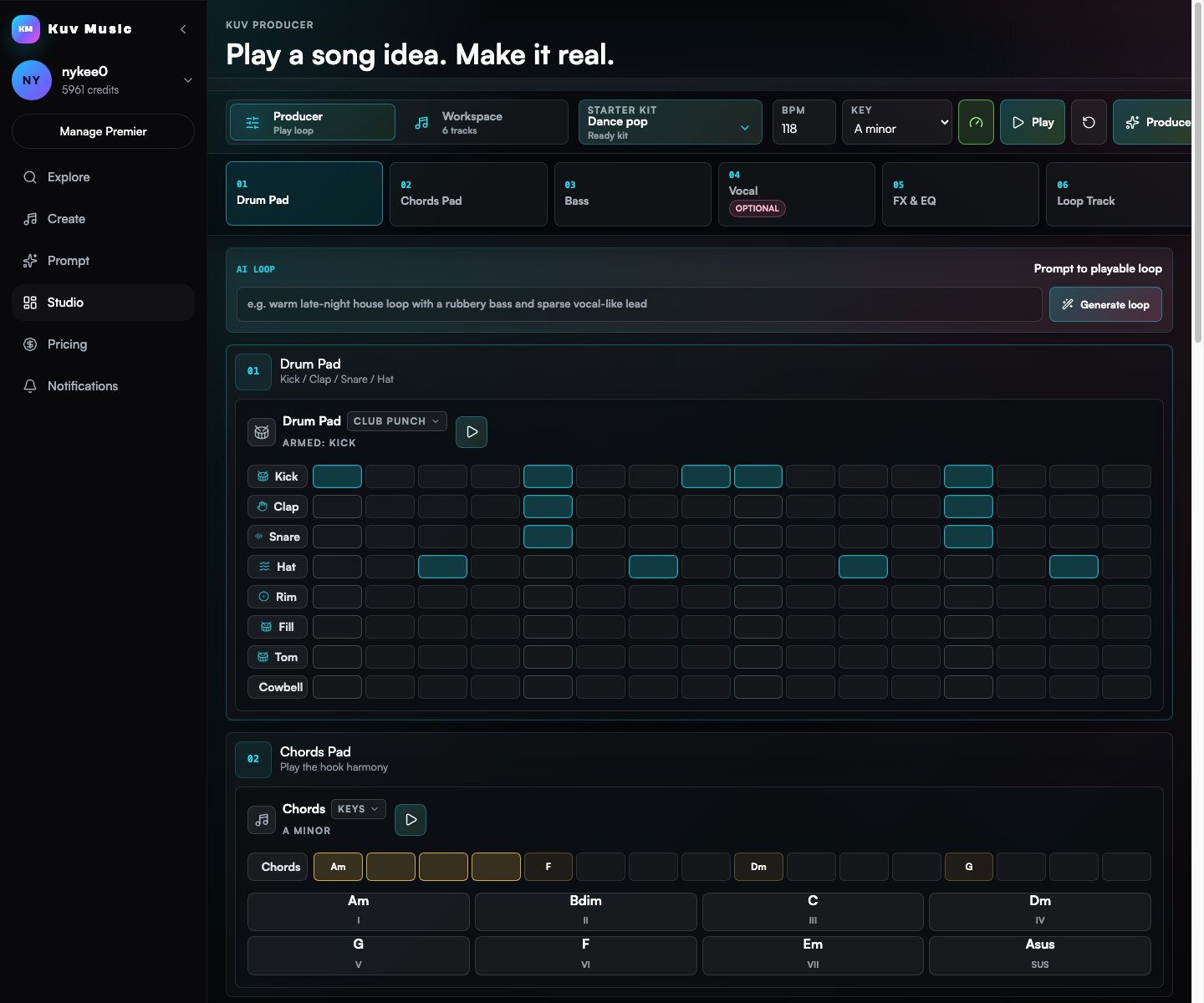
Sketch, preview, and refine musical ideas directly in the browser before final track generation. Edit loop patterns, adjust instruments, download MIDI for your DAW, or render a full-length track.
Compare a loop idea with nearby production directions
The loop demo shows what users can carry into a DAW or into the AI production handoff.
How this case moves from idea to output
- 01
Generate or manually play a loop idea.
- 02
Adjust instrument sound choices, FX, EQ, and the sequencer lanes.
- 03
Download MIDI for DAW editing when the user wants manual control.
- 04
Produce a real track only after the loop direction feels right.
What the visitor should understand before upgrading
Export standard MIDI files for Ableton, FL Studio, and Logic
Shape drum and synth loops in the browser before rendering
Full arrangement control from short motif to complete song