Start with a playable loop, then produce it into a real track.
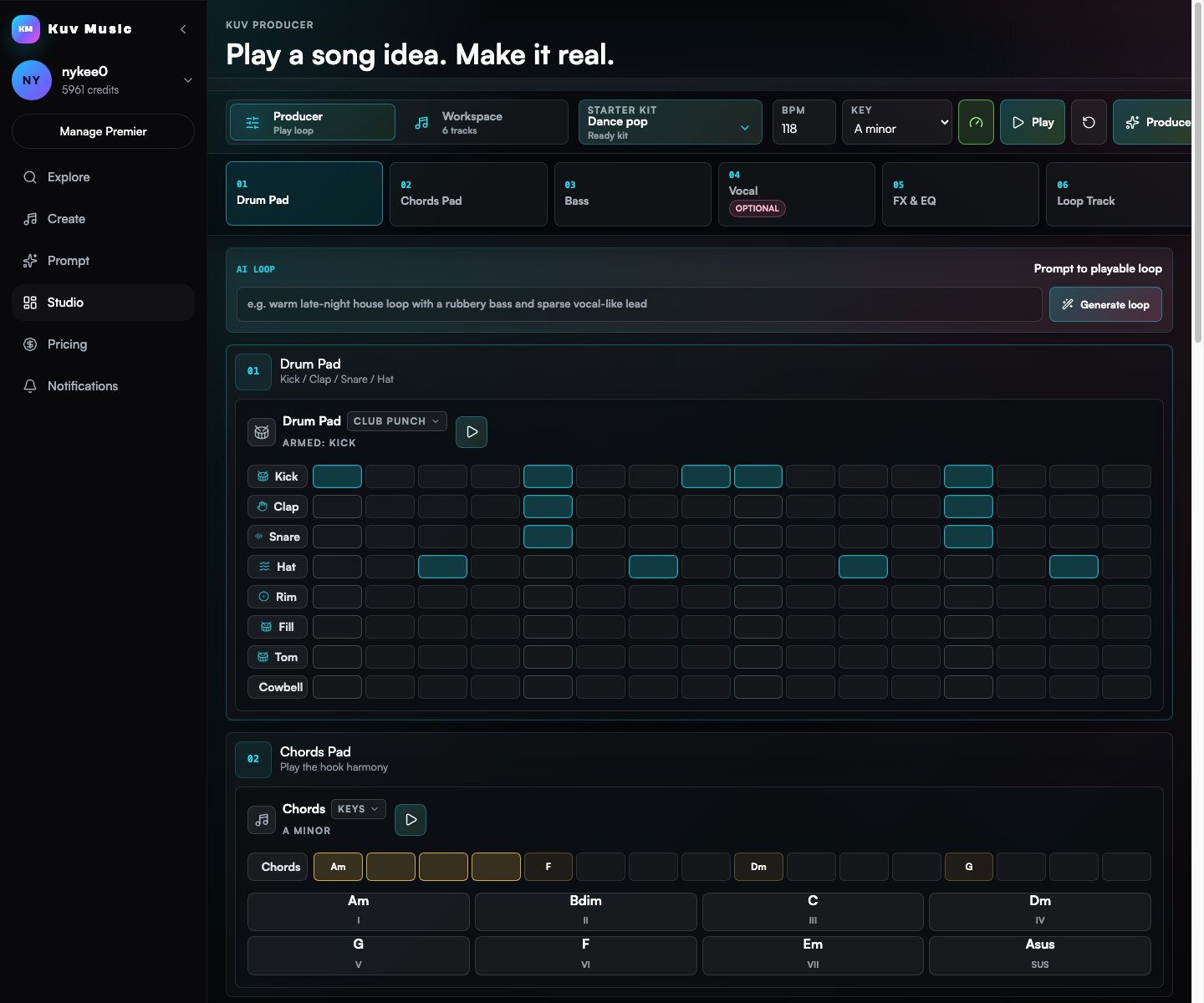
This is the core Producer path: pick a starter kit, play drum, chord, and bass parts, preview the loop, then move into GPT Compose or real-track production.
Four examples show Producer, AI Music Video, AI DJ Mix, and loop-to-song paths with audio you can play, product screens, and direct links into the tools.

This is the core Producer path: pick a starter kit, play drum, chord, and bass parts, preview the loop, then move into GPT Compose or real-track production.

This case study breaks down a finished electronic track, the visual prompt direction around the hook, and the resulting 9:16 vertical MV storyboard. To generate your own video, open the AI Music Video Generator.

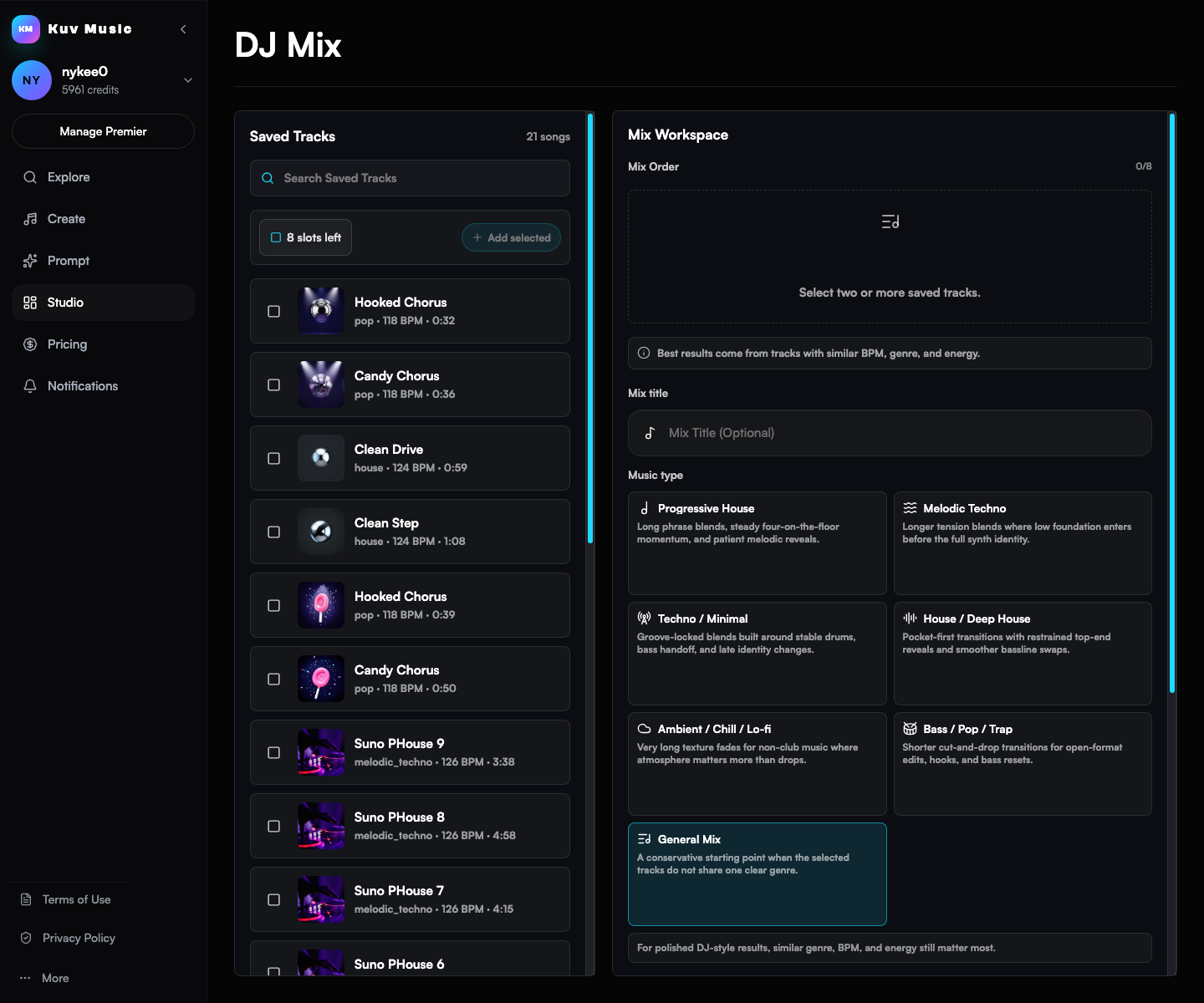
This is for users who have multiple finished generations and want one continuous listening file instead of isolated song cards.

Sketch, preview, and refine musical ideas directly in the browser before final track generation. Edit loop patterns, adjust instruments, download MIDI for your DAW, or render a full-length track.
Use these demos to hear the loop idea before opening the paid workstation.